If your plant still runs on a SIMATIC S5, you already know the risks. The controllers are decades old, the original programmers have often moved on, and the software that wrote the program runs on hardware nobody wants to maintain.
A Siemens S5 to S7 migration solves this, but it is not a simple copy-and-paste job. The two platforms work differently, and the road to TIA Portal has more than one stage. This guide explains what to expect, from the conversion path and hardware choices to testing and cutover, with practical notes for plants in the UAE.
What Is a Siemens S5 to S7 Migration?
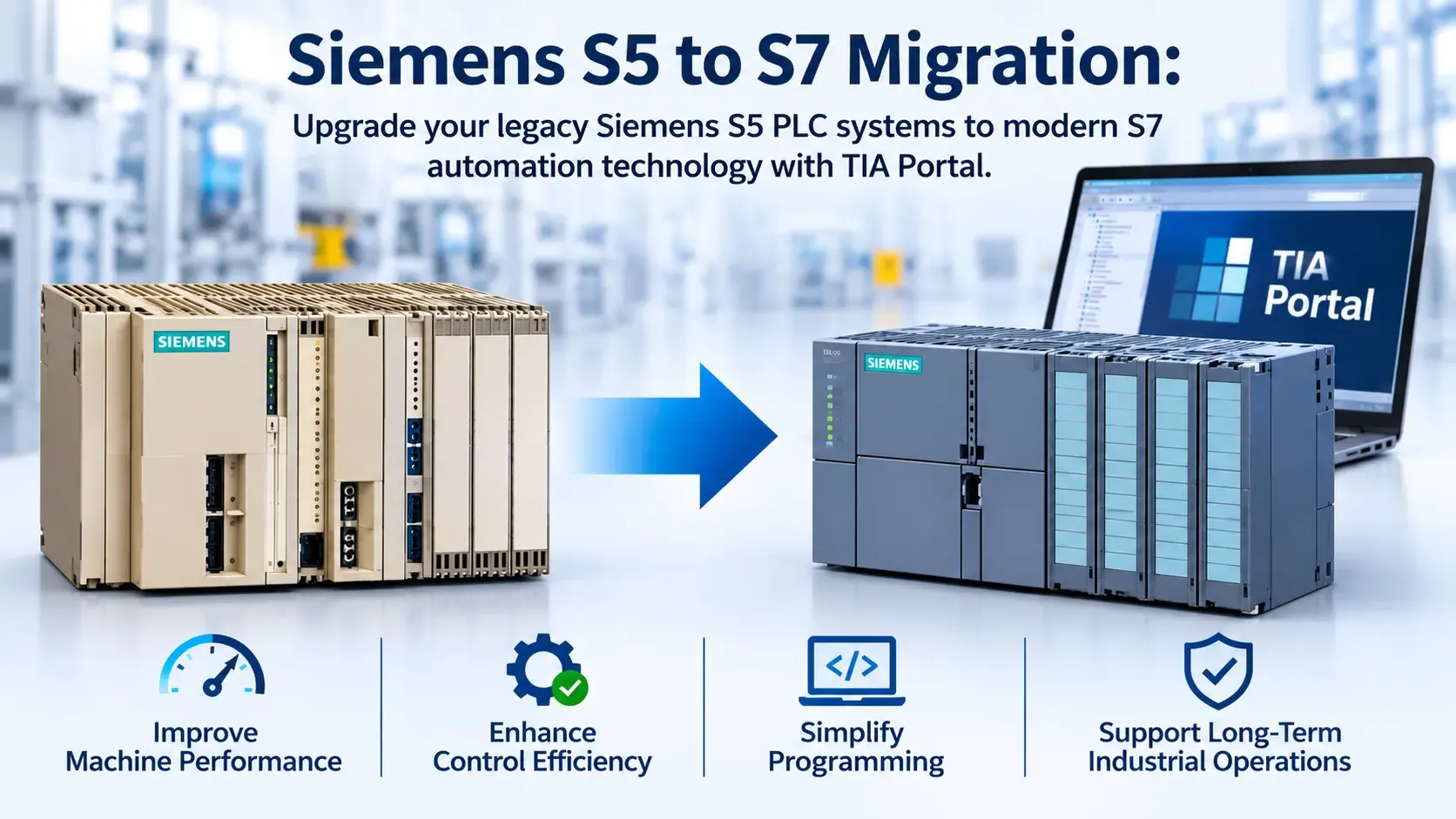
A Siemens S5 to S7 migration is the process of replacing a SIMATIC S5 controller, and the program running on it, with a current SIMATIC S7 system. In most projects today, the target is an S7-1500 programmed in TIA Portal.
A full migration normally covers four areas:
- Hardware: the CPU, I/O modules, racks and power supplies
- Software: the control program, data blocks, symbols and comments
- Communication: networks, operator panels and links to other systems
- Documentation: drawings, I/O lists and test records
Treating all four together is the difference between a smooth cutover and a project that stalls at commissioning.
Why Plants Are Moving Off S5
The S5 family, including the S5-115U, S5-135U and S5-155U, has been phased out by Siemens. Always confirm the current status of your exact models with Siemens, but the practical picture is familiar to most maintenance teams:
- Spare modules are scarce and often come from brokers
- Repairs take longer and cost more each time
- STEP 5 programming software needs old PCs and old operating systems
- Few engineers can still read and fault-find S5 code
- Modern networks, diagnostics and data collection are hard or impossible to add
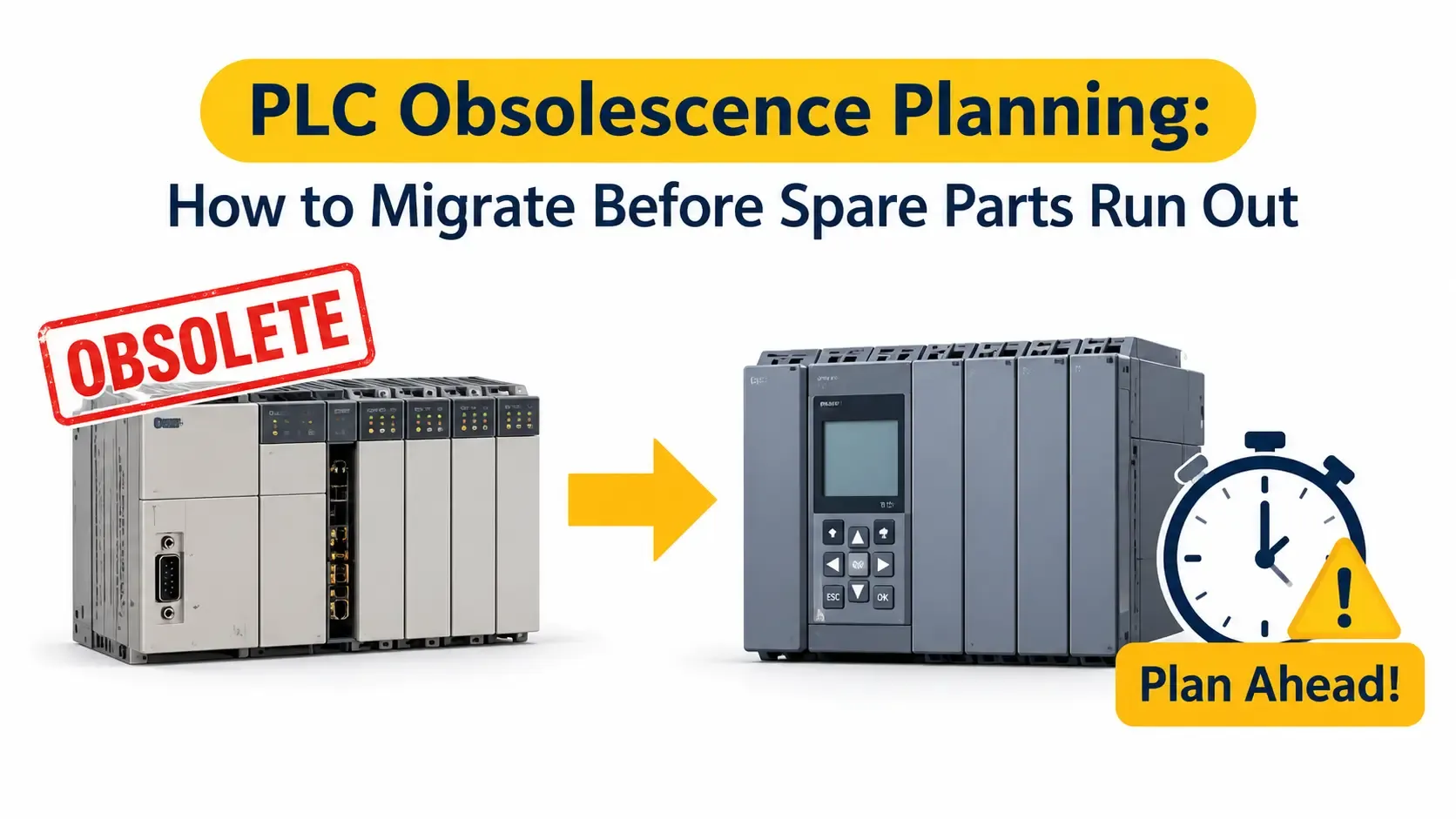
Waiting turns a planned project into an emergency one. Our guide to PLC obsolescence planning shows how to rank controllers by risk and decide what to migrate first.
S5 to TIA Portal Migration: The Two-Step Path
The most important thing to understand is that there is usually no single button that takes an S5 program straight into TIA Portal. Siemens' own guide for moving S5 projects to the S7-1500 describes a staged route:
- S5 to STEP 7 V5.x. The S5/S7 converter turns the STEP 5 program into an S7 program in the classic STEP 7 environment.
- STEP 7 V5.x to TIA Portal. The cleaned-up project is then migrated into TIA Portal, with the hardware changed to the target S7-1500 CPU.
Each stage creates its own warnings and clean-up work. Some projects follow this path. Others skip automatic conversion and rewrite the logic directly in TIA Portal, especially when the original code is small or poorly structured.
For reference, Siemens publishes a guide titled "Guide for Migrating SIMATIC S5 Projects to SIMATIC S7-1500 and TIA Portal" (Entry ID 105106251) on its industry support portal. It is worth reading before you plan.
Can You Convert an S5 Program to TIA Portal Automatically?
Partly. The S5 to S7 conversion tool in STEP 7 can translate much of the program, but it does not produce a finished, production-ready result. Expect manual clean-up, re-testing and often a rewrite of special functions before the program is safe to run.
Automatic conversion is a starting point, not a shortcut around engineering.
S5 to S7 Conversion: Why It Is Not Plug and Play
S5 and S7 are not compatible at the machine level. Several differences cause most of the conversion warnings and bugs.
Addressing and Block Structure
I/O addresses, memory areas and block types are organised differently. S5 programs use blocks such as program blocks and sequence blocks, while S7 uses function blocks, functions and data blocks. Converted logic needs to be restructured so that it is readable and maintainable.
Data Formats, Timers and Counters
Number formats, timer behaviour and counter handling differ between the two systems. Floating point values, time bases and data word layouts must be checked one by one, because a correct-looking value can behave differently at runtime.
Low-Level Instructions
Many S5 programs use accumulator and register tricks that were common practice at the time. The S7-1500 does not allow some of these low-level techniques, so affected code often needs to be rewritten rather than converted.
Special Function Modules and Communication Cards
Counter cards, positioning modules, analogue cards and communication processors have no direct one-to-one replacement. Each one needs a new solution, a new configuration and new testing.
Missing Symbols and Comments
If the original program only exists as a printout or without its symbol table, names and comments may need to be re-created by hand. This is time-consuming but valuable, because it makes the new program understandable for the next engineer.
Choosing Target Hardware
Your hardware choice shapes the whole project. The main options are:
- S7-1500 with TIA Portal: the current mainstream platform and the usual choice for long-term support, diagnostics and networking
- S7-300 or S7-400 with classic STEP 7: sometimes used as an interim step, but check the lifecycle status before committing
- Another vendor's platform: a valid choice if your plant is standardising elsewhere, though it means a full rewrite rather than a conversion
Whichever you pick, decide what happens to the field wiring early. Common approaches include re-terminating cables onto new I/O modules, using prewired adapter solutions where available, or replacing I/O in stages. Each approach has a different effect on downtime and cost. Our retrofit solutions help plants decide how much of the existing installation can safely stay.
Siemens S5 to S7 Migration Steps
Use the sequence below as a working roadmap. Adapt it to your plant and your downtime window.
Step 1: Inventory the S5 System
List every CPU, rack, I/O module, special module, communication card, operator panel and programming device. Record the model, firmware, location and the process each one controls.
Step 2: Secure the Program and Documentation
Back up the program files, data blocks and symbol tables from the live system. Collect drawings, I/O lists and any notes about past changes. If drawings are missing, plan time to trace and re-draw circuits during the project.
Step 3: Audit the Program
Review the logic before converting anything. Identify dead code, undocumented workarounds, special function calls and timing-critical routines. Decide what to keep, simplify or rewrite.
Step 4: Select Hardware and Plan the Architecture
Choose the S7 CPU, I/O layout, network design and HMI approach. Define how field wiring will connect and how the new system will communicate with drives, panels and supervisory systems.
Step 5: Convert or Rewrite the Logic
Run the S5/S7 converter where it makes sense, then work through the warnings and errors. For high-risk sections, such as safety-related or timing-critical logic, rewriting in TIA Portal is often safer. Experienced PLC programming services make a real difference here, because hidden logic is found on the bench rather than during start-up.
Step 6: Rebuild HMI and Communications
Older operator panels and networks often need replacing or gateways. Rebuild screens, alarms and data links so that operators see what they expect to see.
Step 7: Build and Test Offline
Prepare new panels and I/O while the old system keeps running. Run a Factory Acceptance Test with simulated I/O, and test every function, interlock and alarm against the original behaviour.
Step 8: Plan the Cutover
Write a detailed cutover and rollback plan. Agree the shutdown window, the order of work and a clear go or no-go decision point. Our article on the PLC upgrade timeline explains how long each stage tends to take.
Step 9: Commission and Verify
After installation, test every input, output, loop and interlock. Structured commissioning and start-up services cover loop checks, calibration and operator training, which are especially important on a newly migrated system.
Step 10: Document and Hand Over
Deliver the final program backups, as-built drawings, I/O lists, test records and operator training. Keep a clean copy offline and a second copy off site.
Example: Migrating an S5-135U Controlled Line
Consider a processing line controlled by an S5-135U that has run since the 1990s. Spares are hard to find, and the only working programming PC is ageing fast.
A sensible plan might look like this:
- Back up the program and trace the I/O against the drawings
- Audit the logic and list special modules, such as counters and analogue cards
- Select an S7-1500 with remote I/O and a new HMI
- Convert the program in stages, rewriting the timing-critical routines
- Build and test the new panel offline with simulated signals
- Cut over during a planned shutdown, keeping the old system ready for rollback
- Commission each loop and interlock, then run the line under supervision
This is an illustrative example. The right plan always depends on site conditions, risk and the shutdown window available.
Common S5 to S7 Migration Challenges
These problems appear again and again:
- Undocumented logic. Years of quick fixes leave behaviour nobody can explain.
- Lost source files. Without the program archive, logic must be re-created from the running system.
- Timing differences. Scan times and timer behaviour change on faster CPUs, which can affect sequences.
- Special modules. Each non-standard card needs its own replacement and testing.
- Old networks. Legacy communication links may need gateways or redesign.
- Tight shutdown windows. Rushed cutovers cause errors that show up later.
- Missing skills. Few engineers know both S5 and TIA Portal well enough to bridge the gap.
What Affects Cost and Timeline
Every project is different, but these factors usually decide the budget and schedule:
- Program size and quality of existing documentation
- Number and type of special function modules
- Amount of field wiring that must be changed
- HMI and network replacement scope
- Testing depth and FAT requirements
- Length of available shutdown and lead times for hardware
A clear business case helps justify the work. Our guide to industrial automation ROI shows how to compare the cost of migration with the cost of an unplanned stoppage.
Siemens PLC Migration in the UAE: Practical Notes
Local conditions affect how a project should be planned.
- Plan lead times early. Imported modules and panels can take weeks to arrive. See our guide on automation spare parts lead time in UAE plants.
- Use shutdown windows well. Many plants can only stop for short periods, so offline build and testing are essential.
- Check panel conditions. Heat and dust may already have stressed older enclosures, cables and terminals.
- Keep support close. Engineers who can reach site quickly make cutover and recovery far safer.
- Plan for after go-live. A migrated system still needs backups, spares and support. Our PLC maintenance and troubleshooting services keep new and legacy controllers dependable.
Frequently Asked Questions
What is the difference between Siemens S5 and S7?
S5 is the older SIMATIC generation, programmed with STEP 5. S7 is its successor, with different hardware, addressing, block structure and programming software. S7-1500 controllers are programmed in TIA Portal and offer modern networking, diagnostics and security.
Can I migrate directly from S5 to TIA Portal?
Not in one automatic step in most cases. The usual route converts the S5 program to a STEP 7 V5.x project first, then migrates that project into TIA Portal. Many teams also rewrite critical sections directly in TIA Portal.
How long does an S5 to S7 migration take?
It depends on program size, special modules, wiring changes and testing needs. A small machine may take weeks, while a large line or plant can take months. Offline building and testing keep the time on site short.
Will I lose my program during migration?
Not if you back up properly. The original S5 program stays intact on the old system until the new one is proven. Keep full backups, test offline and plan a rollback option for the cutover.
Is it better to convert or rewrite the S5 program?
Conversion saves time on simple, well-structured programs. A rewrite is often better for complex, undocumented or timing-critical logic, because it produces cleaner and easier-to-support code.
Final Thoughts
A Siemens S5 to S7 migration is a chance to replace a ticking risk with a supported, well-documented system. Back up first, audit the logic, plan the hardware and wiring, test offline, and cut over in a controlled window.
If you are planning to move off S5 and want experienced support, call General Tech Automation on +971 6 543 6933 or email mathews@generaltechuae.com to discuss retrofit and migration support.