Every plant has one: a controller that has run for 15 or 20 years without complaint, until a single failed module stops the line and nobody can find a replacement. The part is discontinued, the broker price is triple, and the lead time is "unknown".
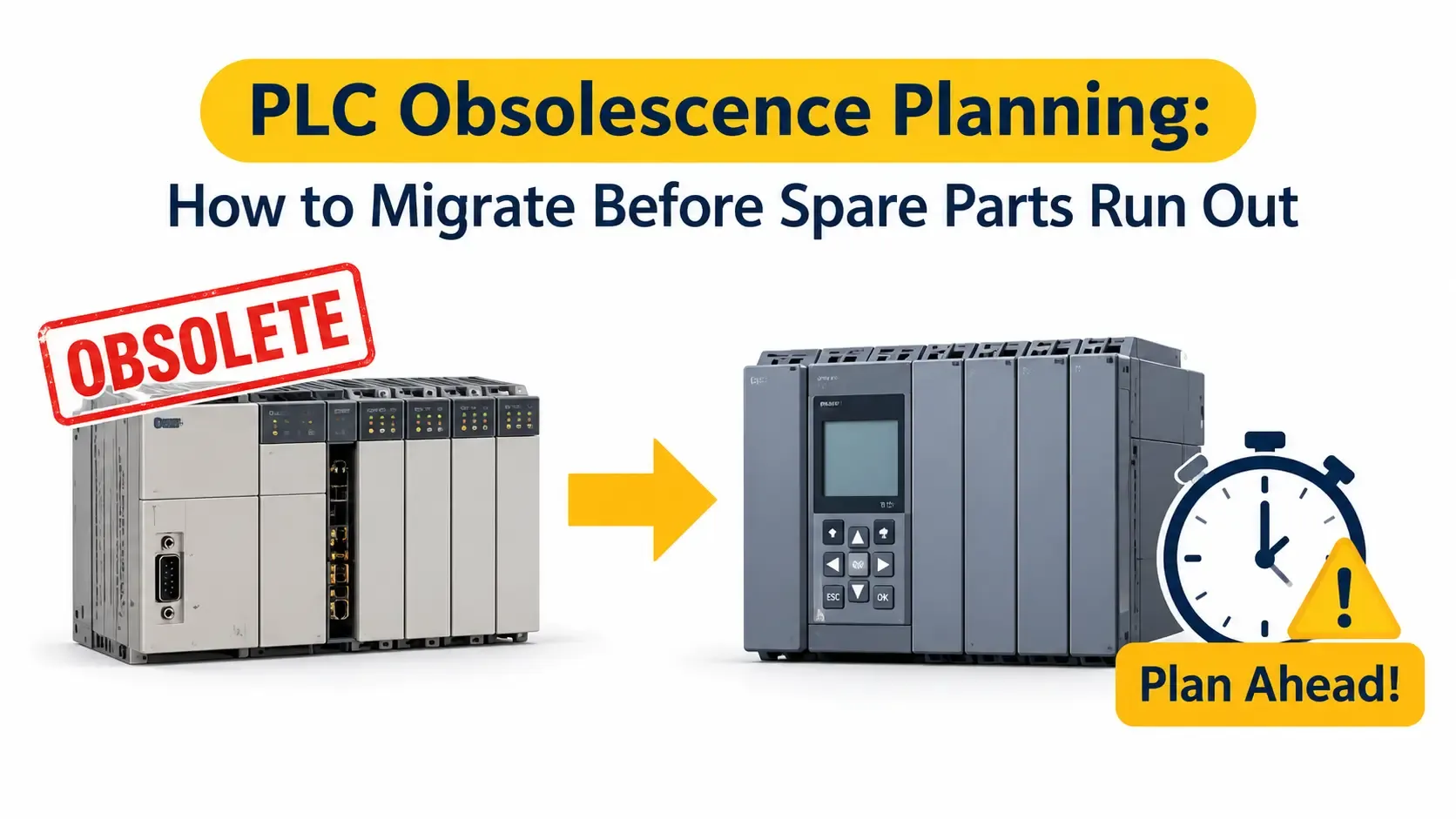
PLC obsolescence planning is how you avoid that moment. It means tracking the lifecycle of every controller, ranking the risk, and moving to a supported platform on your schedule instead of during a breakdown. This guide explains how to do it step by step, with practical advice for plants in the UAE.
What Is PLC Obsolescence?
PLC obsolescence is the point where a controller, its I/O modules, its programming software or its communication cards can no longer be bought, repaired or supported through normal channels.
It rarely happens all at once. It usually develops in stages:
- The manufacturer stops selling new units but still supports existing ones
- Repair and spare parts become limited, then stop
- Programming software no longer runs on current laptops or operating systems
- Engineers who know the platform become harder to find
Each stage raises risk. By the end, a single fault can mean weeks of downtime.
Understanding PLC End of Life
PLC end of life is the manufacturer's formal phase-out of a product. Most vendors publish lifecycle notices that move a product through phases such as active, mature, limited availability, discontinued and end of support.
The names and timelines differ by manufacturer, so always check the official notice for each model in your plant. Long-established families, including older Siemens S5, Allen-Bradley PLC-5 and SLC 500, and Mitsubishi A-series controllers, have been through lifecycle phase-outs. Confirm the current status of your own models with the manufacturer before you plan, rather than relying on memory or a third-party list.
Two points matter most for planning:
- End of sale is not end of support. You may still get repairs for a while, but options are shrinking.
- End of support is the real deadline. After it, you depend on stock, refurbished parts and luck.
Warning Signs Your PLC Is Nearing Obsolescence
Look for these signals before a failure forces the issue:
- The model appears on a manufacturer lifecycle or discontinuation list
- Spare modules are only available from brokers or at sharply higher prices
- Repair quotes keep rising, or repairers decline the job
- The programming software needs an old laptop or an unsupported operating system
- No one on site fully understands the program, and drawings are out of date
- The system cannot connect to modern SCADA, networks or data platforms
- Past breakdowns have taken longer each time to fix
If you recognise three or more, it is time to start formal planning.
Why Waiting Is Expensive
Reactive replacement costs more than planned migration, for several reasons.
- Emergency downtime. Production stops while you source parts and engineers.
- Premium pricing. Urgent orders and broker stock rarely come cheap.
- Rushed decisions. Under pressure, teams pick the fastest option, not the best one.
- Higher risk. Untested changes made at speed cause new faults.
Planned migration lets you buy at normal prices, test properly and use a shutdown window you choose. Our guide to industrial automation ROI and payback on a control system upgrade shows how to compare the cost of waiting against the cost of acting.
PLC Migration Planning: A Step-by-Step Roadmap
Good PLC migration planning follows a clear sequence. Use the steps below as a starting point and adapt them to your plant.
Step 1: Build a Complete Controller Inventory
List every PLC, remote I/O station, HMI, drive interface and communication module. Record the model, firmware, location, age, process served and software version.
You cannot plan what you have not counted. Many plants discover forgotten controllers during this step. Keeping the results in a managed register, such as through asset data management, makes updates easier.
Step 2: Check Lifecycle Status
For each model, check the manufacturer's current lifecycle notice. Note the phase, the announced dates and the recommended replacement.
Record the status of the programming software and communication cards too. A supported CPU is of little use if its software no longer installs.
Step 3: Run a PLC Obsolescence Risk Assessment
Rank each controller by risk. A simple scoring approach works well. Rate each system on:
- Criticality: what does a stoppage cost per hour, and does it affect safety?
- Obsolescence level: how far through its lifecycle is it?
- Spare availability: how many spares do you hold, and where can you buy more?
- Repair options: can it be repaired locally, and how fast?
- Skills: who can program and fault-find it today?
- Integration needs: does it block data, network or cybersecurity upgrades?
High criticality plus high obsolescence goes to the top of the list.
Step 4: Secure a Bridge Strategy for the Short Term
Migration takes time. While you plan, reduce exposure on high-risk controllers:
- Buy a small number of critical spares from reliable sources
- Back up every program, configuration and parameter set
- Document wiring, network settings and passwords
- Keep a working programming laptop with the correct software
This is a safety net, not a long-term plan. Stockpiling cannot replace migration. It only buys time.
Step 5: Choose Your PLC Upgrade Strategy
There is no single best PLC upgrade strategy. The right choice depends on risk, budget, downtime tolerance and future plans. The main options are:
- Like-for-like successor: move to the manufacturer's current replacement in the same family. This is often the quickest route with the least retraining.
- Platform change: move to a different vendor when the current one no longer fits your needs or your spares inventory. We work across Siemens, Allen-Bradley, Schneider Electric and Mitsubishi platforms.
- Hybrid approach: replace the CPU and keep existing I/O or field wiring for a time. This can cut cost and shorten the cutover.
- Full redesign: rewrite logic and rebuild the architecture where the old design is poorly documented or limits the process.
Whichever route you choose, set clear goals for reliability, cybersecurity, data access and future expansion. Our retrofit solutions help plants modernise existing systems without paying for a full replacement when it is not needed.
Step 6: Plan the Budget and Business Case
Include more than hardware in the estimate. Cover:
- Engineering, programming and documentation
- Panel modifications and new wiring
- Testing, commissioning and training
- Downtime or shutdown cost
- Support after go-live
Compare the total with the cost of a prolonged outage. This usually makes the case for action clear.
Step 7: Convert and Redesign the Logic
Legacy PLC migration is not just copying code. Automatic conversion tools can help, but they do not understand your process. Old programs often contain workarounds, undocumented changes and unused logic.
Review the logic line by line. Clean it up, document it and test it against the original behaviour. This is where experienced PLC programming services pay for themselves, because hidden logic is found on the bench, not at start-up.
Step 8: Build and Test Before Shutdown
Prepare as much as possible while the old system is still running:
- Build new panels or I/O modifications offline
- Run a Factory Acceptance Test with simulated I/O
- Test HMI screens, alarms and communications
- Prepare wiring conversion plans and labels
- Write a detailed cutover and rollback plan
The more you test in advance, the shorter the shutdown.
Step 9: Execute the Cutover
Cutover is the most sensitive step. Good practice includes:
- Using a pre-agreed shutdown window
- Cutting over area by area or line by line for large plants
- Rehearsing the sequence beforehand
- Keeping the old system intact until the new one is proven
- Having a clear go or no-go decision point
A phased approach is the best way to attempt PLC migration without downtime beyond the planned window. Our article on the PLC upgrade timeline explains how long each stage typically takes and what affects the schedule.
Step 10: Commission, Verify and Hand Over
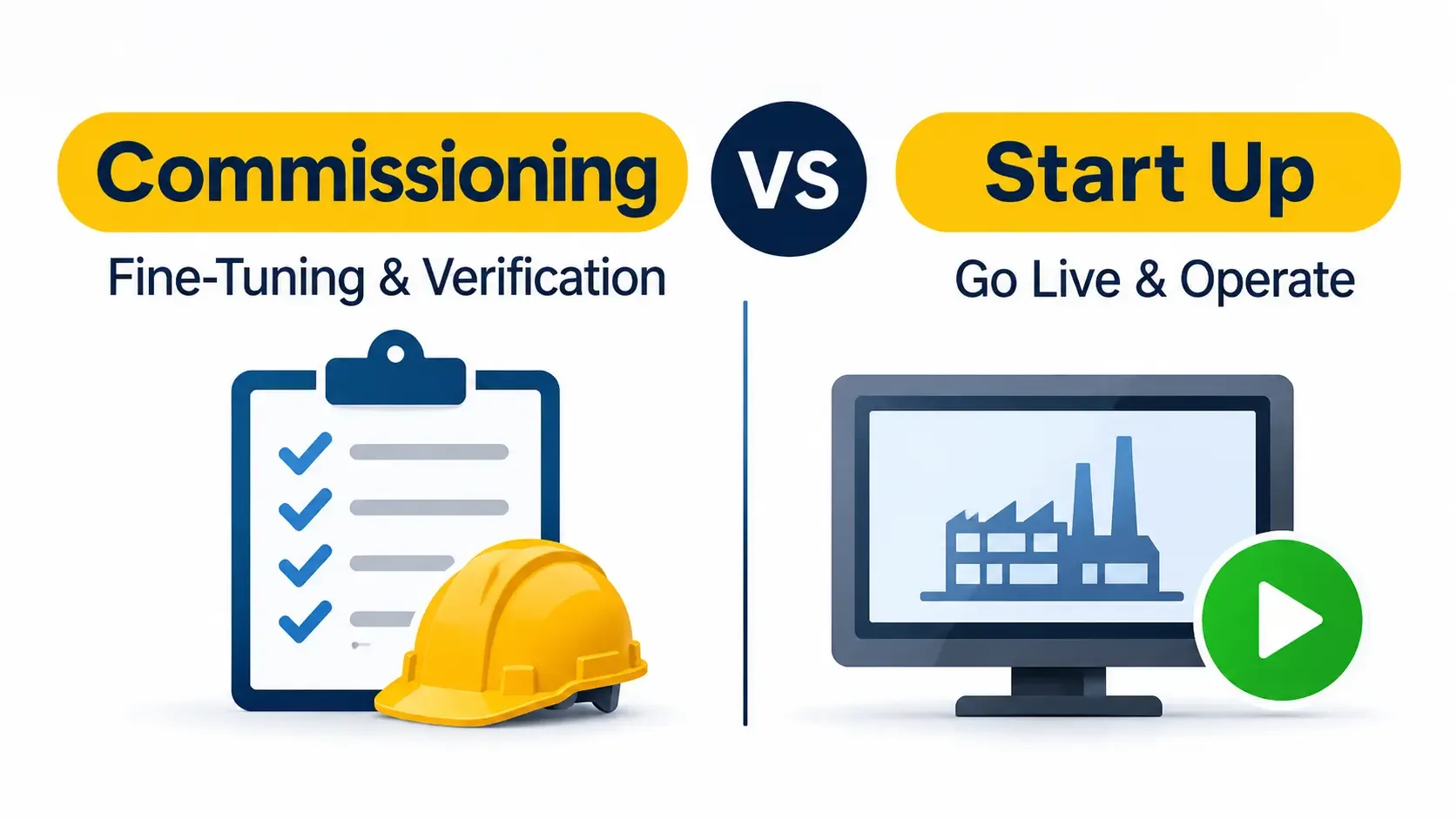
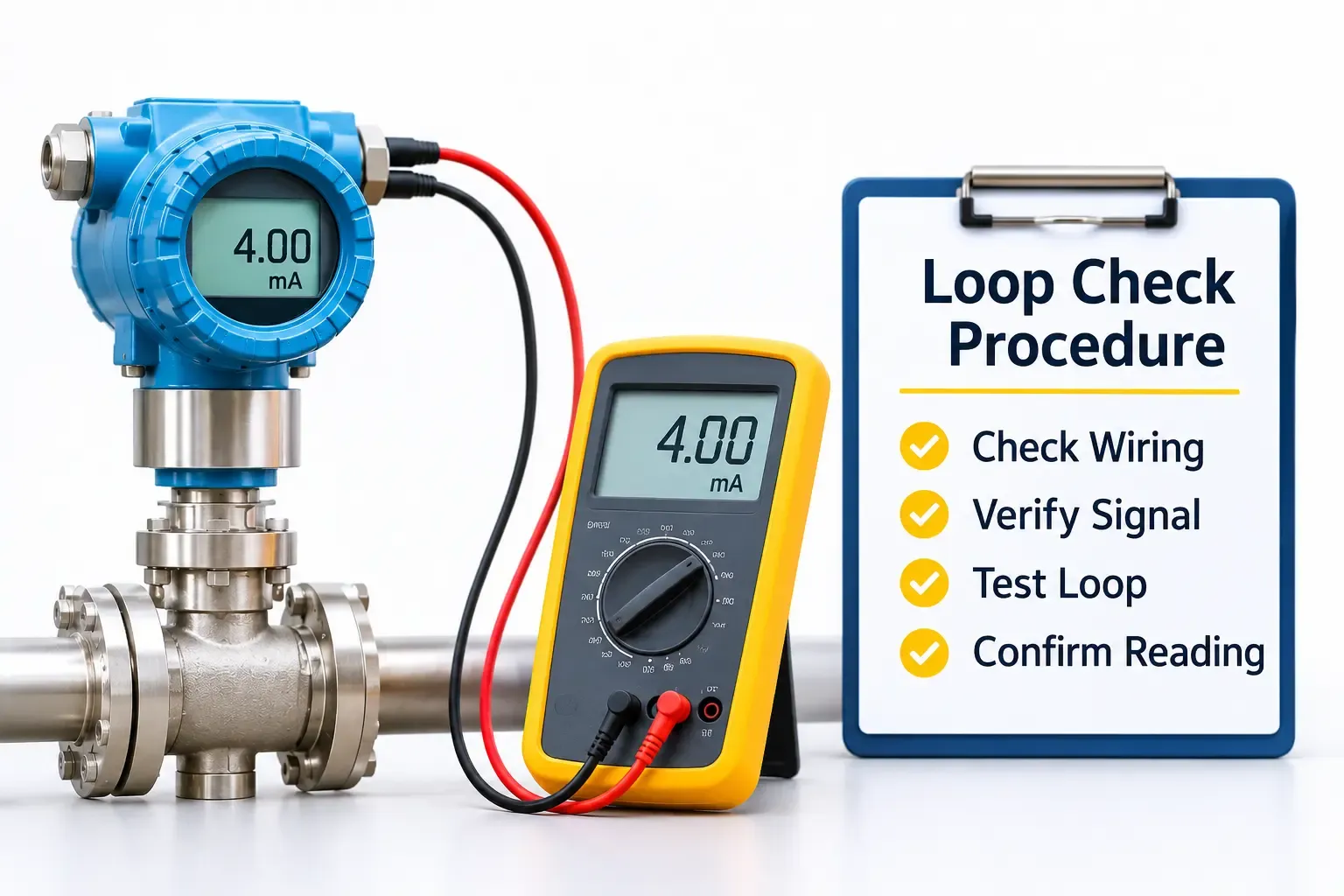
After installation, every input, output, interlock and alarm must be tested against the design. Structured commissioning and start-up services include loop checks, calibration and operator training, which are all critical on a migrated system.
Finish with full documentation: as-built drawings, tag lists, program backups and test records.
Step 11: Plan Ongoing Support
A migrated PLC still needs care. Set up backup routines, a spares policy and a support arrangement. Our PLC maintenance and troubleshooting services cover fault finding and recovery, so the new platform stays dependable.
Example: Phased Migration of an Ageing Packaging Line
Consider a packaging plant with five lines, each controlled by a PLC that is over 15 years old. The CPU is discontinued, I/O modules are only available from brokers, and the original programmer has left.
A sensible plan might be:
- Inventory all five controllers and back up their programs
- Rank the lines by output value and failure history
- Buy a few critical spares to protect the highest-risk line
- Migrate the highest-risk line first, using a planned weekend shutdown
- Learn from that cutover, then move the remaining lines one by one
- Document every line to the same standard
This spreads cost, lowers risk and lets the team improve the process with each line. It is an illustrative example, and the right plan always depends on site conditions.
Common Mistakes in Obsolete PLC Replacement
Avoid these frequent errors:
- Waiting for failure. Risk grows silently until a breakdown forces rushed decisions.
- Treating migration as a copy job. Poorly understood logic gets carried into the new system.
- Ignoring documentation. Missing drawings and backups slow every stage.
- Skipping offline testing. Faults then appear during the shutdown window.
- Underestimating lead times. Hardware, panels and skilled engineers take time to arrange.
- Forgetting the HMI and network. A new PLC with an unsupported HMI just moves the problem.
PLC Obsolescence in UAE Plants: What to Consider
Local conditions affect timing and risk.
- Supply lead times. Imported modules can take weeks to arrive, so order early. Our guide on automation spare parts lead time in UAE plants explains how to avoid waiting for critical components.
- Short shutdown windows. Many plants cannot stop for long, which makes preparation and phasing essential.
- Heat and dust. Check enclosure cooling and cable condition during the upgrade, since older panels may already be stressed.
- Mixed fleets. Plants often run several brands side by side, so a clear standard for the future saves effort.
- Local engineering support. Having engineers who can reach site within hours makes recovery and cutover far safer.
Frequently Asked Questions
What is PLC obsolescence planning?
PLC obsolescence planning is the process of tracking controller lifecycle status, ranking risk, and scheduling migration to a supported platform before parts or support run out. It replaces emergency replacement with a controlled, budgeted project.
When should you replace an obsolete PLC?
Start planning as soon as the manufacturer announces end of sale or limited availability, or when spares become hard to find. Replace high-criticality systems first. Waiting until end of support leaves very few options.
How long does a legacy PLC migration take?
It depends on size and complexity. A single machine may take a few weeks from design to cutover, while a plant-wide system can take months. Early inventory, offline testing and a phased cutover shorten the work on site.
Can you migrate a PLC without long downtime?
Often, yes. Building and testing the new system offline, preparing wiring in advance and cutting over in phases keeps the stoppage within a planned window. Some downtime is usually still needed for the physical changeover.
Is it better to repair or replace an obsolete PLC?
Repair is a short-term option and makes sense as a bridge if parts are available. For critical systems, replacement is safer in the long run because support, spares and software remain available.
Final Thoughts
An obsolete PLC is not a problem until it fails, and by then the options are poor. A clear inventory, an honest risk ranking and a phased migration plan turn a future emergency into a managed project.
If you want help assessing your controllers and choosing the right route, call General Tech Automation on +971 6 543 6933 or email mathews@generaltechuae.com to discuss retrofit and migration support.