
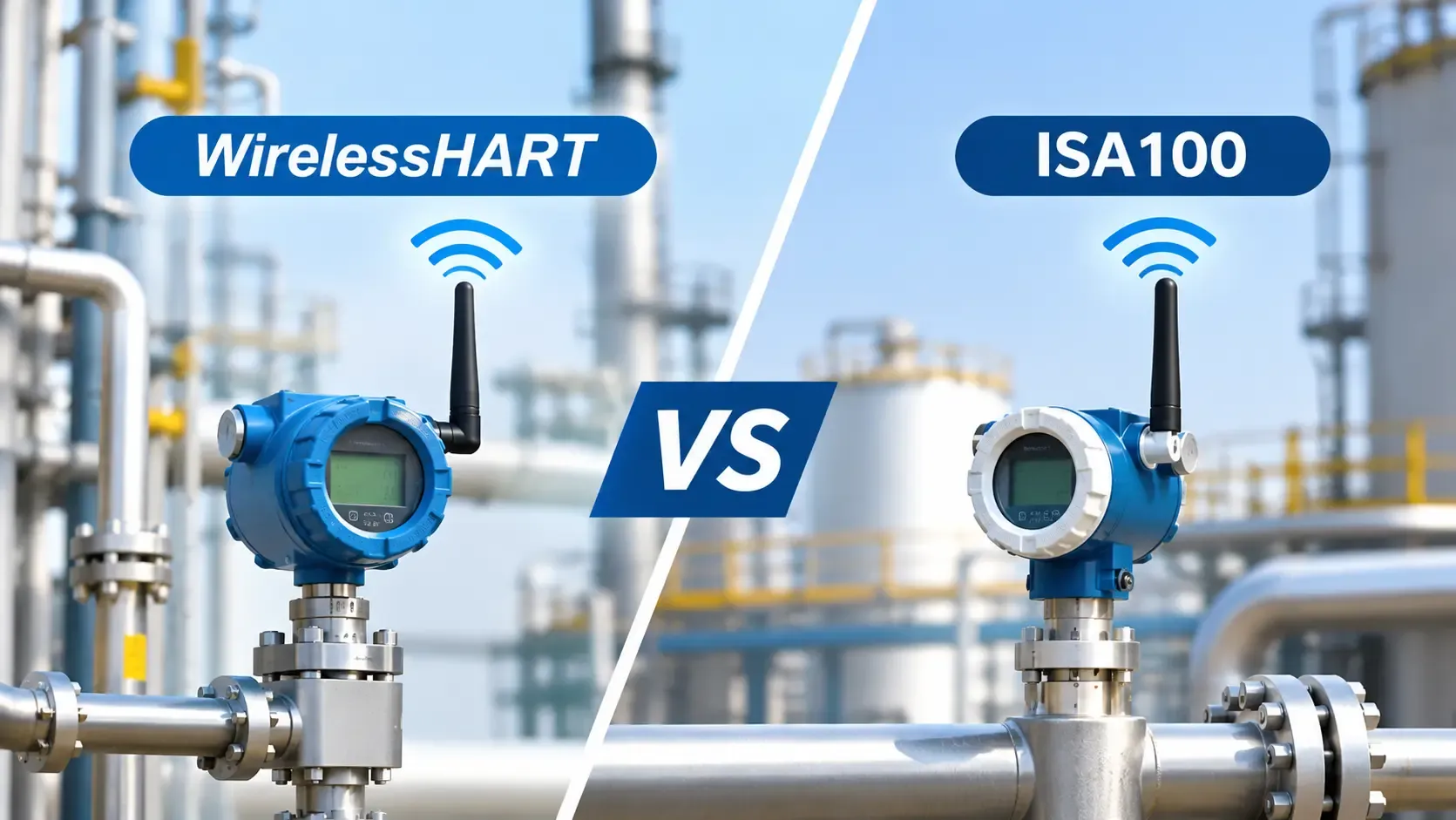
Running new cable to a remote tank, a rooftop pump or a crowded pipe rack is slow and expensive. That is why more plants are adding wireless transmitters instead. But before you buy a single device, there is a bigger decision to make: which wireless standard will the whole network run on?
The choice usually comes down to WirelessHART vs ISA100. Both are proven, both are secure, and both are open standards, yet they are not interchangeable. This guide compares them in plain language, explains how to choose a wireless instrument network, and covers practical points for plants in the UAE.
Why Wireless Instrument Networks Matter in Process Plants
Wireless instrumentation in process plants lets you add measurement points without trenching, conduit or long shutdowns. Typical uses include:
- Tank level and temperature in remote or hazardous areas
- Pressure and flow monitoring on existing lines
- Vibration and bearing temperature for predictive maintenance
- Corrosion, leak and safety shower monitoring
- Temporary or fast-track measurement during projects
Wireless is mainly used for monitoring and supervisory data. Whether a particular signal is suitable for control depends on the update rate, the loop dynamics and your plant's own rules, so confirm that before design.
What Is WirelessHART?
WirelessHART is a wireless version of the HART protocol that many plants already use on 4–20 mA devices. It is an international standard, IEC 62591, maintained through the FieldComm Group (formerly the HART Communication Foundation).
Key features of a WirelessHART network:
- Self-organising mesh. Every field device can relay data for its neighbours, so if one path is blocked, the network finds another.
- Gateway and network manager. A gateway connects the wireless network to your control system and manages routing and security.
- HART continuity. The familiar HART commands and device descriptions carry across, which helps technicians and asset management tools.
- Adapters. Wired HART devices can be brought into the mesh using a wireless adapter.
Industry commentary has described WirelessHART as the leader by number of installed networks, helped by a broad product catalogue.
What Is ISA100 Wireless (ISA100.11a)?
ISA100.11a is the wireless standard from the International Society of Automation, recognised as ANSI/ISA-100.11a-2011 and IEC 62734. It is often called ISA100 Wireless.
Key features of an ISA100.11a network:
- Flexible topologies. Networks can be built as star, star-mesh or mesh, depending on the design.
- Routers and backbone routers. Devices can cluster around routers that pass data to a gateway, which is often used to scale larger networks.
- IP-based design. The network layer is built on IPv6, which supports scalability and integration with IT-style infrastructure.
- Protocol flexibility. The standard can carry other industrial protocols, such as HART, over the wireless network.
This flexibility is a strength, but it also adds more configuration choices than a more tightly defined standard.
What WirelessHART and ISA100 Have in Common
It helps to know where they are the same before looking at the differences.
- Both are open standards recognised by the IEC
- Both use the IEEE 802.15.4 radio in the 2.4 GHz band
- Both use time-synchronised communication with channel hopping to resist interference
- Both use AES-128 encryption and a secure join process
- Both have multi-vendor device catalogues
- Both are designed for low-power, battery-operated field devices
In other words, neither is a risky choice. The question is which fits your plant better.
WirelessHART vs ISA100: Key Differences
Network Topology
WirelessHART is built around a self-organising mesh where field devices act as routers. ISA100.11a supports star, star-mesh and mesh layouts, and many deployments cluster devices around routers.
A mesh adds redundancy but means each device spends some battery energy forwarding neighbours' data. A star-style layout can reduce that load, but it relies more on router placement.
Protocol and Application Layer
WirelessHART builds on the HART application layer, so it feels familiar to anyone who has worked with HART devices. ISA100.11a uses its own object-based approach and can tunnel other protocols, which gives more flexibility.
IP and System Integration
ISA100.11a is designed around IPv6, which suits plants that want a closer link with IP networks. WirelessHART integrates through its gateway, which presents data to the host system using common industrial interfaces.
Interoperability and Ecosystem
The two standards are not compatible with each other. A WirelessHART transmitter cannot join an ISA100.11a network, and the reverse is also true. Both have multi-vendor ecosystems, but they are different ecosystems. Gateways and devices must match the standard you choose.
ISA100's flexibility can also make multi-vendor interoperability more complex to manage, while WirelessHART's tighter definition tends to keep deployments simpler.
Complexity and Skills
WirelessHART is generally seen as simpler to deploy and support, partly because of its HART roots and the size of its installed base. ISA100.11a can offer more design freedom, but it usually needs a team that understands its options well.
Installed Base and Vendor Support
Many plants choose based on what they already own. Emerson and many other instrument vendors support WirelessHART, while ISA100 Wireless is supported by a smaller group of vendors, including Yokogawa. Check what your instrument and control system suppliers actually offer.
WirelessHART vs ISA100: Summary in Brief
- Standard: WirelessHART is IEC 62591. ISA100.11a is ANSI/ISA-100.11a-2011 and IEC 62734.
- Maintained by: WirelessHART by FieldComm Group. ISA100.11a by ISA and the ISA100 Wireless Compliance Institute.
- Topology: WirelessHART uses a self-organising mesh. ISA100.11a supports star, star-mesh and mesh.
- Network layer: WirelessHART uses its own routing based on graphs. ISA100.11a uses IPv6.
- Familiarity: WirelessHART is closely tied to HART. ISA100.11a is more general-purpose.
- Interoperability: the two cannot join each other's networks.
- Typical strength: WirelessHART offers simplicity and a large device range. ISA100.11a offers design flexibility and IP alignment.
Can WirelessHART and ISA100 Work Together?
Not on the same wireless network. A device built for one standard cannot join the other's network, so you cannot mix them on one mesh.
They can sometimes live side by side in the same plant, each with its own gateway, and both feed data to the same control or monitoring system. Because both use the 2.4 GHz band, the networks should be planned together so they do not interfere with each other or with plant Wi-Fi.
Running two standards does add cost and complexity. For most plants, one standard across the site is the cleaner option.
How to Choose a Wireless Instrument Network
Use these factors to guide your decision.
1. Existing Instruments and Vendor Relationships
If your plant already uses a particular vendor's wireless devices, staying with that standard usually saves money, training and spares.
2. Host System and Gateway Support
Check how the gateway will connect to your DCS, PLC, SCADA or historian, and which protocols it supports. A good device is not useful if it does not integrate with your control room.
3. Plant Layout and RF Environment
Steel structures, tanks, pipe racks and heavy equipment block and reflect radio signals. A mesh helps in cluttered areas, while larger open sites may suit a router-based layout. A proper site survey settles this with data rather than guesses.
4. Number of Devices and Growth Plans
Think about how many points you will have in three to five years, not just today. Check the gateway capacity and the ease of adding repeaters or routers.
5. Hazardous Area Requirements
Confirm that the devices you need carry the right certification for your area classification and that spares are available.
6. Security Policy
Both standards offer strong encryption, but your IT and OT teams should approve how the gateway connects to the plant network, including firewalls, user access and key management.
7. Support and Skills
Choose a standard that your team, your integrator and your local service provider can support around the clock.
8. Future IoT and Analytics Plans
If you plan to feed data to dashboards, historians or cloud analytics, make sure the gateway can export the data you need. Our industrial IoT services cover sensors, gateways and cloud links for this purpose.
Which Should You Choose? Practical Scenarios
These examples show how the decision often plays out. They are illustrative, and a site survey should confirm any choice.
- Adding a few dozen monitoring points to an existing plant that already uses HART devices. WirelessHART is usually the straightforward choice, because of its HART roots and wide device range.
- A plant whose main control system and instrument vendor are built around ISA100 Wireless. Staying with ISA100.11a avoids a second ecosystem.
- A large, spread-out site that wants tight IP integration. ISA100.11a's IP-based design and router layouts may be worth evaluating.
- A small remote project with no existing wireless. Compare the available devices, gateway cost and local support, then pick the standard with the best long-term fit.
When in doubt, let the site survey and the vendor support position decide, not the protocol debate alone.
Security and Reliability Considerations
Both standards were designed with industrial use in mind. For either one:
- Use strong join keys and change default credentials
- Limit gateway access with firewalls and network segmentation
- Review who can configure the network manager
- Keep firmware up to date
- Monitor network health, signal quality and battery status
Reliability comes from design as much as from the standard. Good gateway placement, enough repeaters and a clean RF environment matter more than the label on the protocol.
From Survey to Live Data: A Practical Path
A well-run wireless project usually follows this sequence:
- Define the measurement points. List each tag, variable, update rate and area classification.
- Run an RF site survey. Identify interference sources and plan gateway and repeater positions.
- Design the architecture. Size the network, gateway capacity and links to the control system.
- Install and configure devices. Mount transmitters, join them to the network and set update rates.
- Commission and test. Check signal strength, latency, failover and data in the control room.
- Document and support. Record the network layout, baselines and maintenance plan.
General Tech Automation's wireless plant network support covers this full path, from site assessment and architecture to commissioning and ongoing support. Our engineers configure and integrate Emerson WirelessHART gateways and associated field instruments, and can also design networks to the ISA100.11a standard where the plant's existing instruments call for it.
Commissioning Wireless Instruments Properly
Wireless devices still need the same discipline as wired ones. Each point should be checked end to end:
- The device joins the network and shows healthy signal quality
- The update rate and engineering range match the design
- The value reaches the DCS, PLC or historian correctly
- Alarms and diagnostics display as expected
- Battery status is recorded and monitored
The same step-by-step thinking applies as in a wired system. Our guide to the loop check procedure shows how to verify each signal path before start-up, and our commissioning and start-up services cover testing and handover for new measurement points.
Wireless Networks in UAE Plants: Practical Notes
Local conditions shape how a wireless network should be planned.
- Heat, dust and humidity. Choose devices with suitable ingress and temperature ratings, and check enclosures and antennas regularly.
- Steel congestion. Refineries, tank farms and process units have a lot of metal. Surveys should be done on site, not just on drawings.
- Crowded 2.4 GHz band. Wi-Fi, Bluetooth and other devices share the band, so channel planning and coexistence matter.
- Hazardous areas. Oil and gas and chemical sites need certified devices and documented installation.
- Short shutdown windows. Wireless helps here, since new points can often go in without cable work.
- Local support. A provider who can reach site quickly keeps small faults from becoming long outages.
Choosing and Supporting the Instruments
The network is only as good as the transmitters on it. When selecting devices, look at accuracy, range, certification, battery life and spare availability, not just the protocol. General Tech Automation works with Emerson and partner brands through its instrument supply service, and supports installation through field instrumentation services.
After go-live, scheduled measurement checks help catch drift, battery issues and weak links early. Where wireless data feeds the wider control layer, it should align with your PLC, DCS and SCADA automation architecture.
Common Mistakes When Choosing a Wireless Standard
- Choosing by headline features alone. Vendor support and local service often matter more.
- Skipping the site survey. Guessing coverage leads to dropouts and rework.
- Ignoring gateway integration. Data that does not reach the control room has little value.
- Mixing standards without a plan. Two networks need separate gateways and careful channel planning.
- Forgetting batteries. Update rates, mesh depth and temperature all affect battery life.
- Treating wireless as set and forget. Networks need health checks like any other system.
Frequently Asked Questions
What is the main difference between WirelessHART and ISA100?
The main differences are topology and ecosystem. WirelessHART uses a self-organising mesh and builds on the HART protocol. ISA100.11a supports star, star-mesh and mesh layouts and uses an IPv6-based design. The two are not interoperable.
Is WirelessHART better than ISA100?
Neither is better in every case. WirelessHART is often simpler and has a larger device range, which suits many plants. ISA100.11a offers more design flexibility and IP alignment. The right choice depends on your existing instruments, control system and site conditions.
Can WirelessHART and ISA100 devices share one network?
No. A device built for one standard cannot join the other's network. Both can run in the same plant on separate networks with separate gateways, but they need coordinated channel planning because they share the 2.4 GHz band.
Are WirelessHART and ISA100 secure?
Both use AES-128 encryption and a secure join process. Real security also depends on how the gateway is connected to the plant network, how keys and passwords are managed, and how the network is monitored over time.
Do I need a site survey before installing wireless transmitters?
Yes. A site survey identifies interference, obstructions and the best gateway and repeater positions. It reduces the risk of weak coverage and avoids costly changes after installation.
Final Thoughts
When you compare WirelessHART vs ISA100, the real answer comes from your plant, not the protocol. Look at your existing instruments, your control system, your RF environment and the support you can rely on. Then confirm the choice with a site survey before you commit.
If you are planning to add wireless measurement points in the UAE, call General Tech Automation on +971 6 543 6933 or email mathews@generaltechuae.com to arrange a site survey and discuss wireless plant network support.